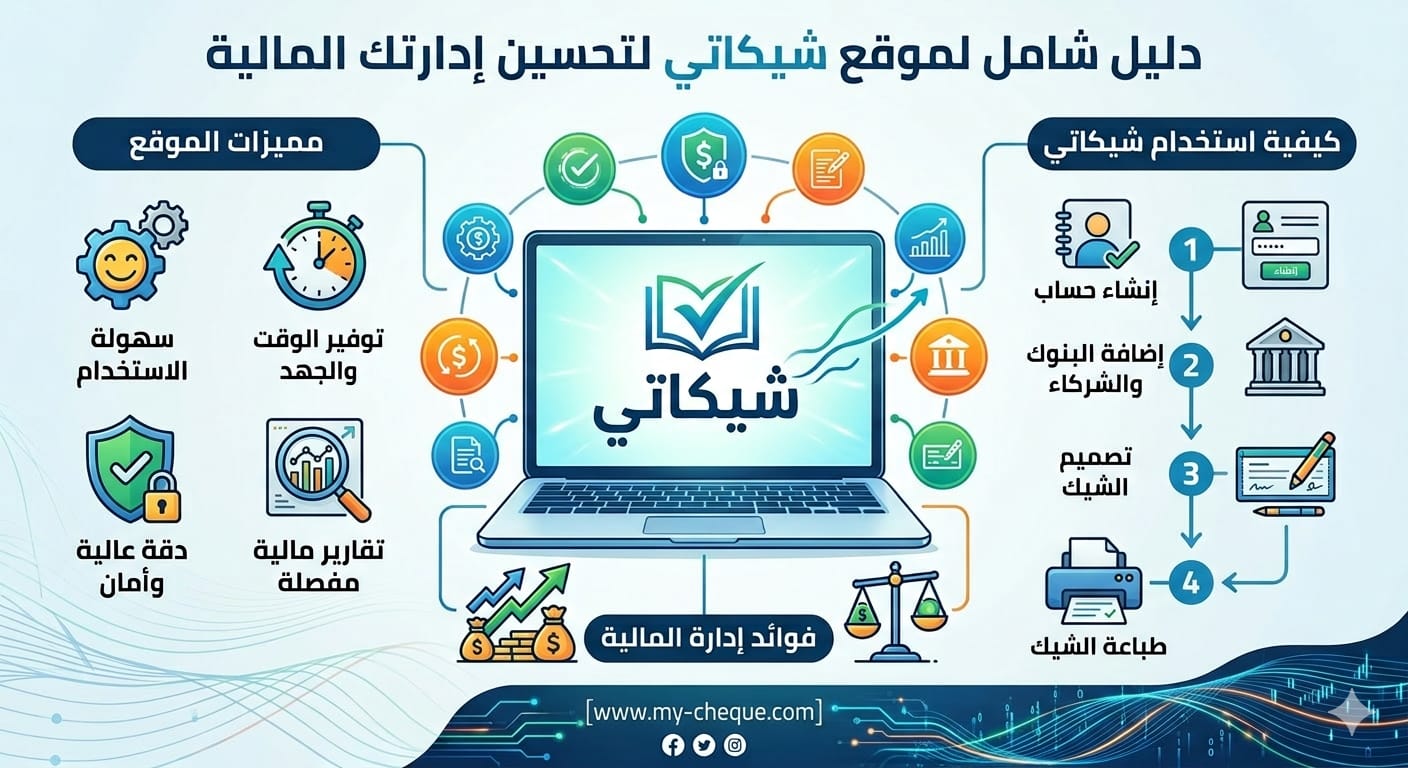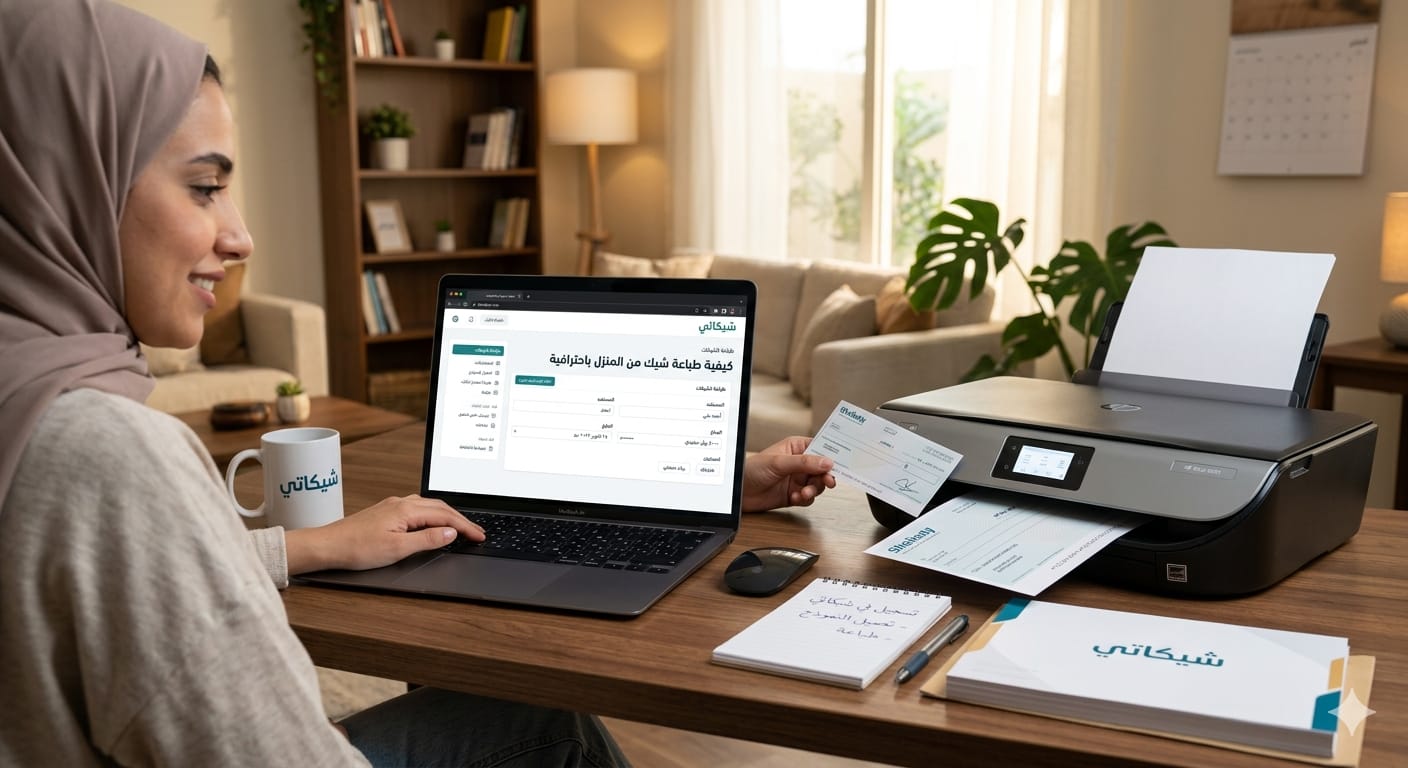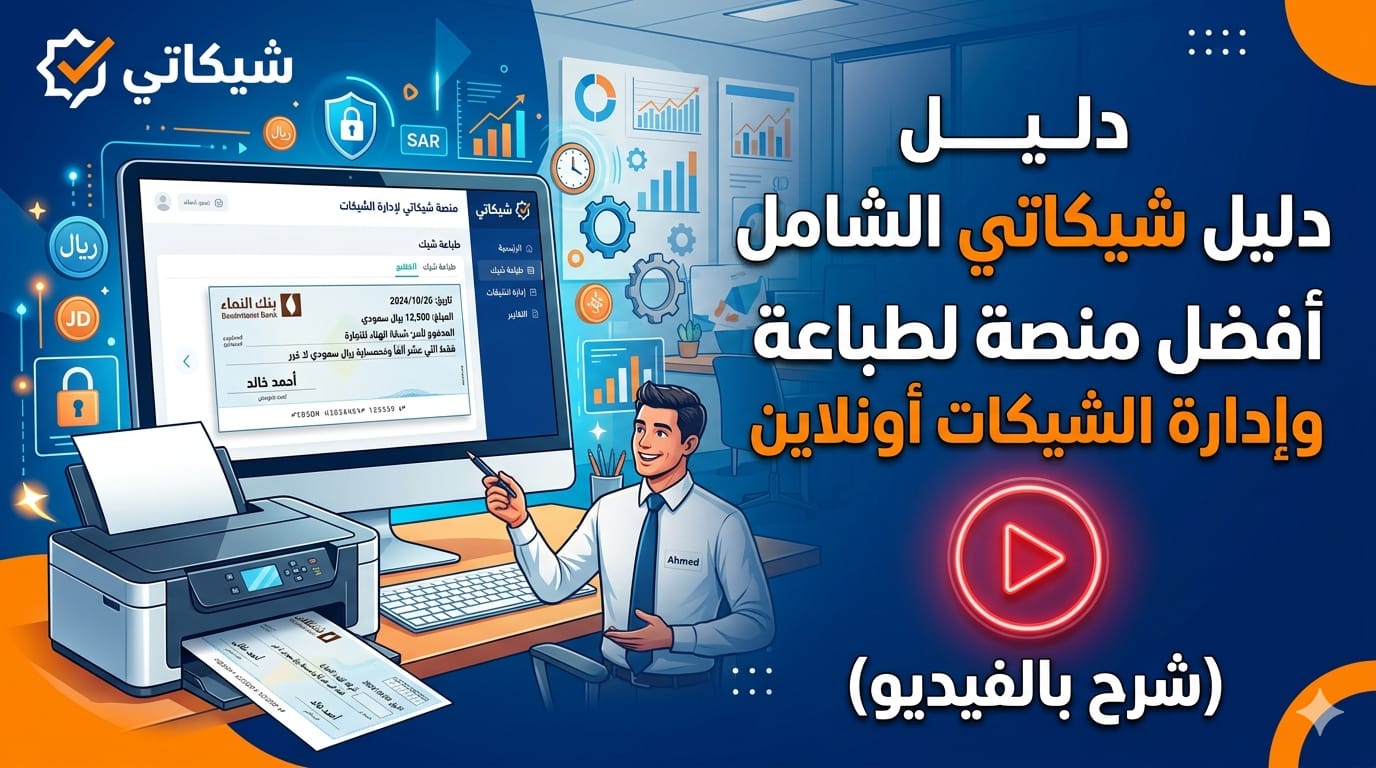
In this era of rapid digitalization, the need for innovative solutions to manage financial transactions is more pressing than ever. The My Cheque platform offers an integrated solution for printing and managing bank cheques, transforming a process once characterized by complexity and errors into a seamless and accurate experience. This comprehensive tutorial guide will take you on a detailed journey through the platform's features and services, guided by My Cheque's official YouTube channel videos to ensure a practical and clear understanding of each step.
1. What is My Cheque Platform? Your Comprehensive Guide to Online Cheque Printing
To begin understanding the essence of the My Cheque platform, we invite you to watch the introductory video that explains the core services offered by the platform and how it addresses the traditional challenges of manual cheque printing
.
Summary:
This video provides a comprehensive introduction to the My Cheque platform as a specialized electronic solution for printing and managing bank cheques. The video illustrates how the platform aims to facilitate cheque management for businesses and accountants, overcoming common human errors and time wastage associated with manual writing. Key points covered in the video include:
•Online Cheque Printing: The ability to enter cheque data and print it directly onto the bank cheque form.
•Automatic Amount Conversion (Spelling out): Automatic conversion of numerical amounts into words to avoid errors.
•Data Storage: A feature to save bank and beneficiary data for easy future use.
•Organized Cheque Management: A structured digital system that reduces effort and time.
•Problems Addressed: Human errors, time wastage, and difficulty in reading handwritten text .
2. How to Register and Create a Free Account on My Cheque Platform Step-by-Step
Before you can start using My Cheque's services, you'll need to create an account. This video explains the process step-by-step, ensuring a smooth and quick start
.
Video Explanation: How to register and create a free account on My Cheque platform step-by-step
Summary:
This instructional video demonstrates how to create a free account on the My Cheque platform, a simple and straightforward process that grants you access to the platform's basic services. The video covers the following steps:
•Accessing the Registration Page: Guiding the user to the correct registration link.
•Entering Basic Information: Filling in required fields such as name, email, and password.
•Account Confirmation: Steps to activate the account via email to ensure security .
3. Practical Guide to Printing Bank Cheques and Adding Banks on My Cheque Platform
After creating your account, you'll be ready to print your first cheque. This video explains how to add your banks and print cheques efficiently
.
Summary:
This video provides a detailed practical guide on how to add your banks to the My Cheque platform and then proceed to print bank cheques. The explanation includes:
•Adding a New Bank: Steps for entering bank details and specifying its cheque template.
•Entering Cheque Data: How to fill in cheque fields such as beneficiary name, amount, and date.
•Cheque Preview: Reviewing the cheque before printing to ensure all data is correct .
4. Precise Cheque Dimension Adjustment: How to Calibrate Cheques for Printing on My Cheque Platform
Cheque templates vary between banks, and to ensure accurate printing, My Cheque provides advanced calibration tools. This video explains how to use these tools to perfectly adjust cheque dimensions
.
Video Explanation: Precise cheque dimension adjustment: How to calibrate cheques for printing on My Cheque platform
Summary:
This video is essential for ensuring highly accurate cheque printing on various paper cheque templates. The video demonstrates how to use the calibration tools available on the platform:
•Manual Field Adjustment: Dragging and dropping cheque fields (date, beneficiary name, amount) to match the printed slots on the paper cheque.
•Font Type and Number Format Change: Options to customize fonts, number language (Arabic or English), and show/hide thousands separator.
•Saving and Restoring Default Settings: How to save adjustments and restore them when needed .
5. Save Your Time: Batch Cheque Printing via Excel Files on My Cheque
For businesses dealing with a large number of cheques, the batch printing feature is a revolutionary solution. This video explains how to use Excel files to print cheques in bulk
.
Video Explanation: Save your time: Batch cheque printing via Excel files on My Cheque
Summary:
This video highlights the importance of the Batch Printing feature and how to use it to print a large number of cheques with high efficiency. The steps demonstrated include:
•Preparing the Excel File: Creating a file containing the required cheque data.
•Selecting Bank Template and Uploading File: Choosing the bank and uploading the Excel file to the platform.
•Review and Edit: The ability to review and make any necessary adjustments to the data before final printing.
•Final Printing: Printing all cheques at once after confirming data accuracy .
6. Professional Client Management and Cheque Report Tracking on My Cheque Platform
My Cheque goes beyond mere printing to offer powerful tools for client management and cheque reports, providing valuable insights for your business. This video explains how to leverage these features
.
Summary:
This video sheds light on the client management and reporting tools available on the My Cheque platform, which help organize and track financial transactions. The explanation includes:
•Client Data Management: How to add, edit, and search for beneficiary data.
•Cheque Reports: Reviewing detailed reports of issued cheques, their due dates, and status.
•Data Analysis: Using reports to make informed financial decisions .
7. How to Add New Users to Your Company Account on My Cheque Platform
For companies with a team, My Cheque allows adding multiple users to an account, enhancing collaboration and security. This video demonstrates how to add and manage these users
.
Video Explanation: How to add new users to your company account on My Cheque platform
Summary:
This video provides a detailed guide on how to add additional users to your company account on the My Cheque platform, allowing each employee to access with their own credentials. The video covers:
•Accessing the Users Tab: Navigating to the user management section from the control panel.
•Filling User Data: Entering the name, email, country, phone number, and password for the new user.
•Account Activation: Steps for the new user to activate their account via email .
8. How to Upgrade and Subscribe to Paid Plans on My Cheque Platform
To unlock My Cheque's full potential and advanced features, you might need to upgrade to one of the paid plans. This video explains the upgrade process easily
.
Video Explanation: How to upgrade and subscribe to paid plans on My Cheque platform
Summary:
This instructional video demonstrates how to upgrade to paid plans on the My Cheque platform, which grants you access to a wide range of advanced features. The explanation includes:
•Reviewing Available Plans: Comparing different plans and their features.
•Subscription Steps: The process of selecting a plan and completing payment .
9. Features of Platinum and Diamond Plans and Advanced Batch Printing on My Cheque Platform
For large corporations and high demands, My Cheque offers advanced plans like Platinum and Diamond with unique features. This video explains the details of these plans
.
Video Explanation: Features of Platinum and Diamond Plans and Advanced Batch Printing on My Cheque platform
Summary:
This video provides a detailed analysis of the advanced plans (Platinum and Diamond) on the My Cheque platform, designed to meet the needs of large-scale businesses. Key features covered in the video include:
•Increased Data Capacity: Support for a larger number of banks, beneficiaries, and additional users.
•Advanced Batch Printing: Flexible options for batch printing via Excel files or the cheque generator with date scheduling.
•Comprehensive Analytical Reports: An advanced analytics dashboard providing deep insights into financial flows.
•Report Management and Export: The ability to export all reports to Excel files and save printed cheques in the reports log .
10. Get Free Months! Explanation of the Referral System on My Cheque Platform
My Cheque's benefits are not limited to core services; it also offers opportunities for earning and growth through its referral system. This video explains how to benefit from this system
.
Video Explanation: Get free months! Explanation of the referral system on My Cheque platform
Summary:
This video explains how the referral system on the My Cheque platform works, allowing users to earn free subscription months. The explanation includes:
•Unique Referral Link: Each user has a unique referral link that can be shared.
•Reward for Referrer and Referee: Both the inviting user and the invited person receive an additional free month when the invited person subscribes to a paid plan .
11. How to Contact Technical Support and Request Adding New Bank Templates on My Cheque
Should you have any inquiries or require technical support, My Cheque provides effective communication channels. This video explains how to contact the support team and request adding new bank templates
.
Video Explanation: How to contact technical support and request adding new bank templates on My Cheque
Summary:
This video demonstrates how to contact the technical support team of the My Cheque platform, especially when there is a need to request adding new bank templates not currently available on the platform. The video covers:
•Communication Channels: How to reach the support team through the platform.
•Submitting a Bank Addition Request: The necessary steps to submit a request for adding a new bank template .
Conclusion: My Cheque - Your Smart Partner in Cheque Management
The My Cheque platform is a comprehensive and advanced solution for managing and printing bank cheques, designed to meet the needs of individuals and businesses alike. By integrating modern technology with a user-friendly interface, My Cheque ensures accuracy, efficiency, and security in every transaction. Whether you are looking to simplify your daily cheque printing process or need advanced analytical tools to manage your financial flows, My Cheque provides optimal solutions.
Utilize this tutorial guide and the accompanying videos to explore every aspect of the platform, and transform your cheque handling into a professional and reliable digital experience. My Cheque is not just a tool; it is your smart partner towards more effective financial management.