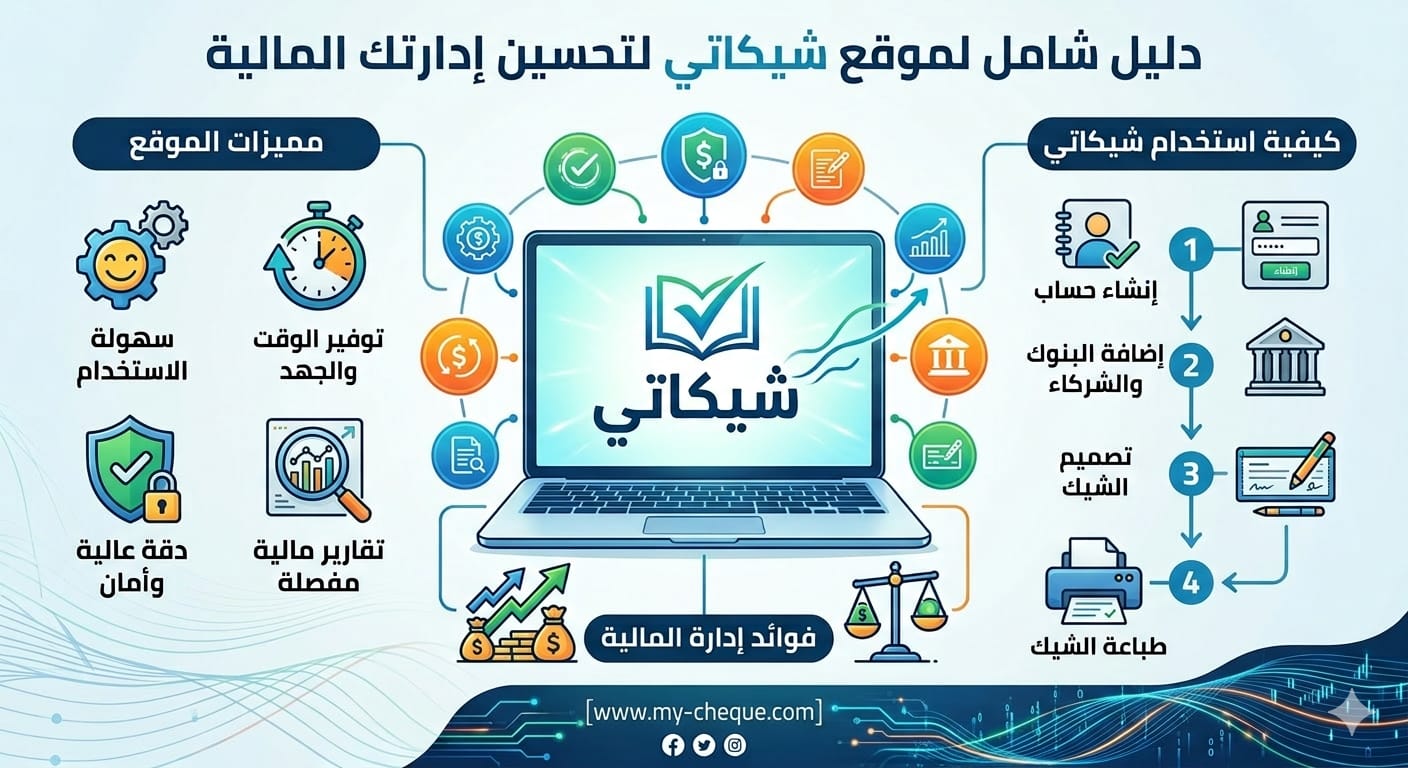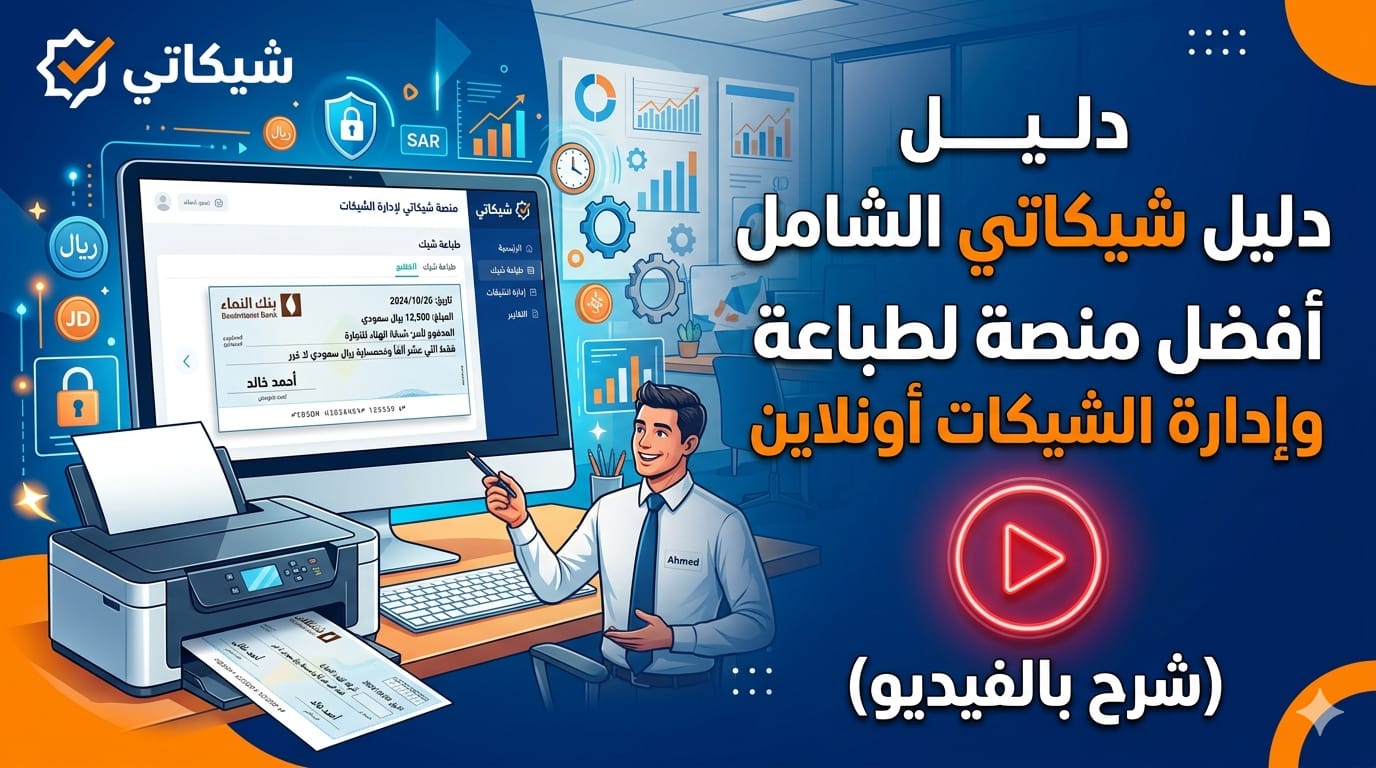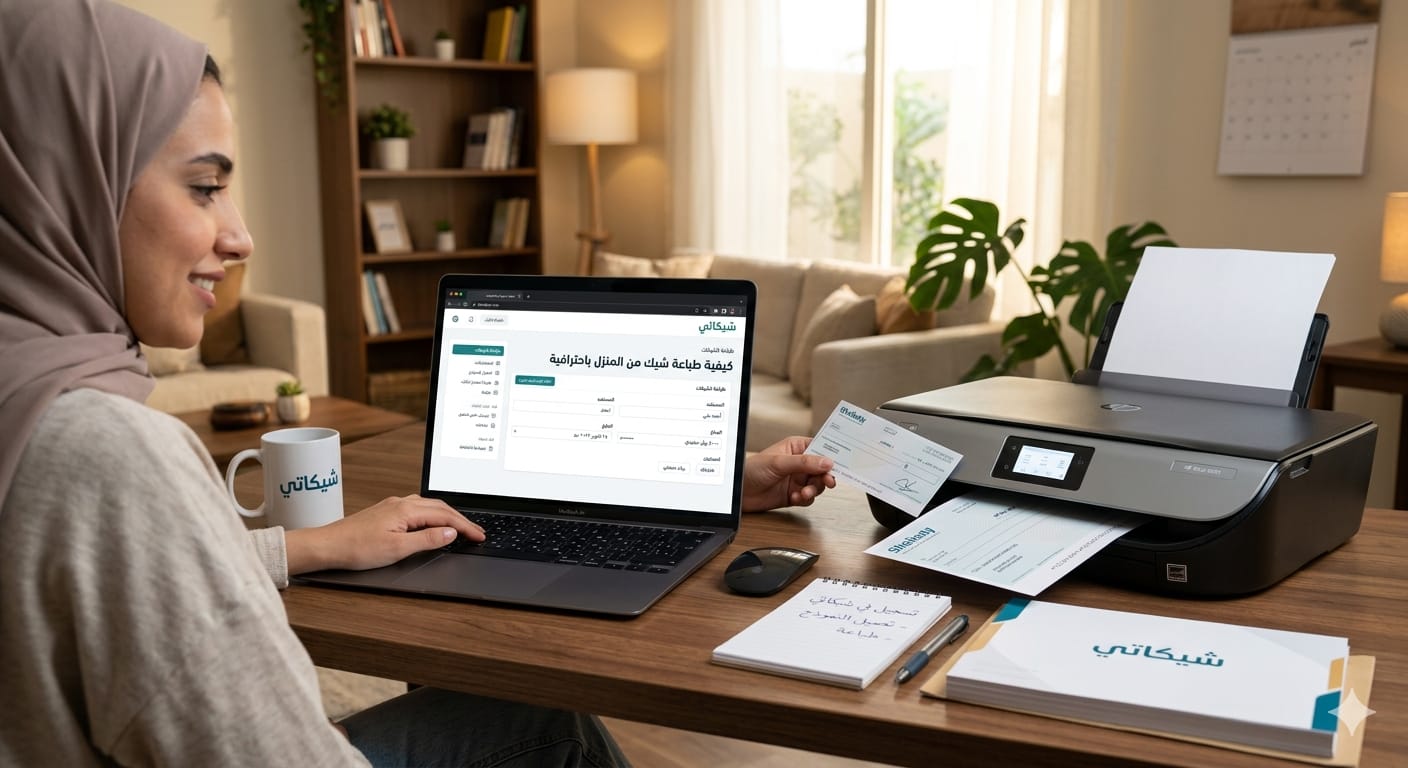
In the rapidly accelerating digital transformation of the financial and business sectors, there is an urgent need to adopt technical solutions that ensure accuracy and speed in executing daily transactions. The process of issuing bank cheques is one of the tasks that has undergone a radical evolution; after relying entirely on manual writing, which is prone to error and loss, individuals and companies can now perform this task using their regular home printers. This guide aims to answer in detail the question: How to print a cheque from home using the "My Cheque" website, while reviewing all the technical, legal, and aesthetic aspects that make your printed cheques a professional face for your business.
The Strategic Importance of Printing Cheques Digitally
Some may wonder: Why should I give up the pen and resort to printing? The answer goes beyond mere aesthetic appearance; it concerns operational efficiency and financial security.
1. Linguistic and Numerical Accuracy
Manually writing large amounts can sometimes lead to errors in the number of zeros or in the "amount in words" phrasing. Any discrepancy between the number and the written words immediately leads to the cheque being rejected by the bank teller, which may result in financial fines or delays in paying important obligations. My Cheque addresses this problem radically through an "Automatic Amount in Words" system that is never wrong.
2. Protection Against Forgery and Tampering
Manually written cheques are easy to tamper with by adding numbers or modifying words if not written very carefully. In contrast, digital printing using laser printer inks that penetrate the paper fibers makes it almost impossible to modify data without leaving a clear trace, providing double protection for your bank balances.
3. Building Corporate Identity
For companies and commercial establishments, a carefully and professionally printed cheque represents part of the company's visual identity. When a supplier or partner receives a neatly printed cheque, they get an immediate impression of how organized and professional your organization is, which enhances your position in the market.
Comparison Between Manual Writing and Printing via My Cheque
To give you a clearer picture, we have prepared this table that compares the two methods from several basic aspects:
| Comparison Aspect | Traditional Manual Writing | Printing via My Cheque |
| Accuracy | Prone to human error and forgetfulness | Extreme accuracy thanks to automated systems |
| Speed | Takes a long time (one cheque per minute) | Very fast (printing dozens of cheques in seconds) |
| Appearance | Depends on the beauty and clarity of the writer's handwriting | Unified and neat professional appearance |
| Security | Easy to tamper with manual data | Extreme difficulty in forgery or modification |
| Archiving | Reliance on the paper cheque stub only | Full digital record with the possibility of exporting reports |
| Amount in Words | Requires focus to phrase the amount in words | Done automatically as soon as the number is written |
What is "My Cheque"?
My Cheque is the leading platform in the Middle East specializing in providing online cheque printing solutions. The platform is designed to be easy to use even for those who do not have extensive technical experience. The site supports hundreds of banks in countries such as Saudi Arabia, UAE, Egypt, Jordan, and others, making it the first choice for thousands of accountants and financial managers.
Technical Features of the Platform:
•Printer Compatibility: The site works seamlessly with all types of office printers (LaserJet & InkJet).
•Beneficiary Management: You can save the names of suppliers and customers in your own database to recall them with the click of a button when printing future cheques.
•Financial Reports: The site provides the feature of exporting printed cheque records to Excel files, which facilitates the monthly bank reconciliation process.
•Direct Technical Support: The site provides a specialized support team to answer any inquiries related to settings or adding new banks. For quick answers, you can always visit the FAQ about printing cheques to get immediate technical answers.
Detailed Step-by-Step Guide: How to Print Your First Cheque?
To achieve the best result when searching for how to print a cheque from home, the following steps must be followed carefully to ensure accuracy:
First: Registration and Account Setup
Visit my-cheque.com and click the register button. After activating your account, you will enter the control panel. Here, you must choose the plan that suits your business volume. We advise you to check the cheque printing plans and pricing to compare the features available in each plan, such as the number of users and the number of supported banks.
Second: Choosing the Bank and Cheque Design
From the "Banks" list, search for the bank where you have a current account. My Cheque has a huge library of updated designs. Choose the design that matches your chequebook. If you have a special design or a bank not listed, you can contact technical support to add it for you for free in most cases.
Third: Entering Disbursement Data
In the "Issue New Cheque" form, enter the following data:
1.Amount: Write it in numbers (e.g., 1500.50).
2.Amount in Words: You will notice that the system immediately wrote "One thousand five hundred and 50/100 only".
3.Beneficiary: Choose a name from the saved list or add a new name.
4.Date: Choose the due date from the calendar.
Fourth: Adjusting Alignment (The Final Touch)
This is the step that distinguishes professionals. Before final printing, perform a "test print" on regular paper. Place the original cheque paper behind the printed paper and look at them against the light. If you find that the texts need to be moved slightly, use the "Alignment Adjustment Tool" on the site that allows you to move with millimeter precision. For more information on this point, see the technical aspects section in the FAQ.
Fifth: The Printing Process
Place the cheque paper in the printer tray. Make sure to place it in the correct direction (most printers require placing the cheque so that the bank side is facing up and the long side is the one that enters first). Press "Print" from the browser, and you will get your printed cheque in seconds.
Operating Requirements: What Do You Need to Start?
My Cheque does not require complex technical specifications; all you need is:
•Computer or Smartphone: Connected to the internet.
•Modern Web Browser: Such as Google Chrome or Safari.
•Office Printer: Preferably a laser printer (LaserJet) to ensure print quality and that the ink is not affected by moisture or liquids.
•Bank Chequebook: Issued by your authorized bank.
Safety and Privacy Tips When Printing from Home
When dealing with cheques, some important security rules must be followed:
1.Do not leave printed cheques unsigned: A printed cheque has no legal value unless it has your authorized manual signature.
2.Maintain the confidentiality of your account: Do not share your login data for My Cheque with anyone not authorized to issue cheques.
3.Periodic Review: Regularly match the record of printed cheques on the site with the bank statement to ensure there are no irregularities.
Frequently Asked Questions About Printing Cheques
Can I print on any bank cheque?
Yes, My Cheque supports all types of bank cheques in most Arab and international countries.
What if I make a mistake in printing?
You can simply cancel the cheque in the system (Mark as Void) and issue a new cheque, making sure to manually destroy the cheque paper where the error occurred.
Do I need to install a program on my device?
No, My Cheque works entirely via the cloud (Online), which means you do not need to download any programs, and you can access your data from anywhere in the world.
Conclusion: Invest in Your Time and Professionalism
Searching for how to print a cheque from home is the first step towards more efficient financial organization. My Cheque is not just a tool, but a strategic partner that helps you reduce errors, save time, and present a professional image to your customers and suppliers.
Whether you manage a small shop or a medium-sized company, features like automatic amount in words, beneficiary management, and precise alignment adjustment will make the process of issuing cheques an enjoyable and easy task. Don't waste any more time in manual writing, and discover My Cheque plans and pricing now to start your financial professionalism journey.
The business world is moving towards full digitization, so be the leader and make your financial transactions speak about your level of professionalism. Start today with "My Cheque" and experience the difference for yourself!
Copyright © 2026 - My Cheque Educational Guide for Cheque Printing and Management.
"My Cheque.. Accuracy in printing, ease in management, and security in transaction."